
A guided product evaluation
From first call
to final payment.
Explore the work Atlas Auto Pilot is designed to connect. Use this walkthrough to prepare a useful demonstration for your shop.
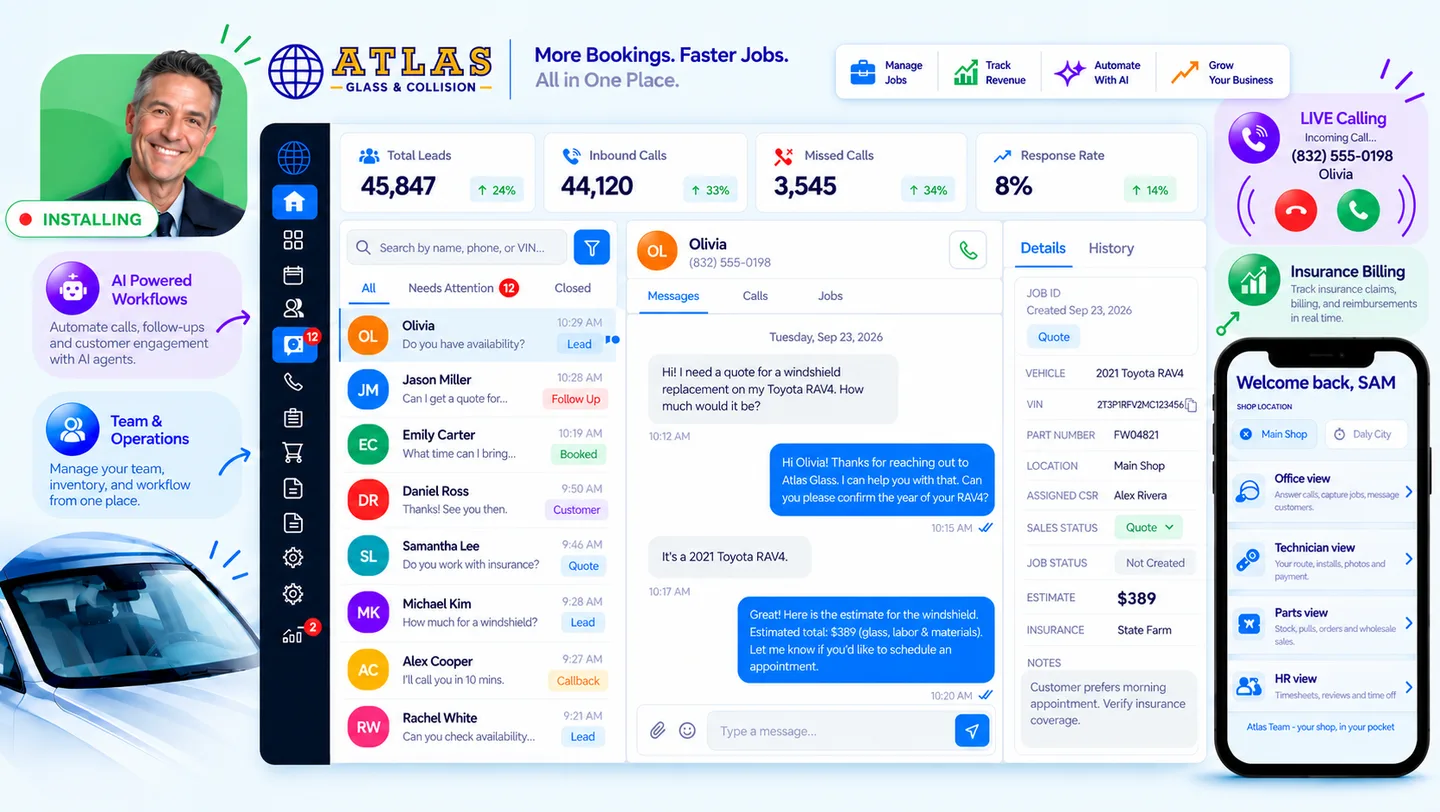
This is a guided evaluation with illustrative product previews—not a recording of a live account or evidence of customer results.
Five handoffs to inspect
Follow one representative job.
Expand each step for the workflow, the feature page, and the question to test.
01Capture the first inquiry
Keep the customer request, vehicle context, and next action together. Alex can support call intake on supported plans; the staff handoff still deserves a live test.
Ask a question that requires a person. Check how the staff member receives the context and what happens if the caller cannot provide the vehicle details.
02Identify the work and build a quote
Review the vehicle, requested glass, labor, services, and the information staff need before giving a price.
Change a part or service during the demonstration. Check what needs manual review and where the approved work is recorded.
03Schedule the shop or mobile appointment
Coordinate the time, customer location, and technician assignment so the office and field team can work from the same job context.
Reschedule the sample job and change the assigned technician. Verify who sees the change and how the customer update is handled.
04Complete the technician handoff
Review field access, job details, documentation, and how the office learns that work is complete.
Use the technician role with test data. Ask which actions need an internet connection and how incomplete documentation is flagged.
05Invoice, collect, and follow up
Connect completed work with the invoice and payment workflow. Review outstanding balances and exceptions instead of only a clean paid job.
Demonstrate a partial payment or correction using a safe test method. Confirm processing fees, account ownership, and country availability before activation.
Prepare a safe demonstration
Bring a representative job with customer names, phone numbers, addresses, insurance identifiers, and payment details removed. Describe the roles, locations, connected accounts, and exceptions the shop handles. Ask the presenter to use a test account and a safe payment method rather than submitting a real claim or charge.
Ask for the configuration in writing
Confirm which plan supports each workflow, what requires a provider account, and what setup or usage charges apply. The published starting price is $199 USD/month; not every feature is included in the entry plan. Canadian shops should confirm billing currency and provider availability.
Compare using the same checklist
Use the downloadable worksheet to record what was actually demonstrated, what was only described, and what remains unanswered. The vendor comparisons provide source-backed context; they do not replace a test of your own process.
Explore the mobile app
Atlas Auto Pilot on iPhone and iPad.
Find Atlas Auto Pilot in the US App Store and Canadian App Store. Review the published mobile workflows and device requirements for your office and field team.
The companion app is available to all paying customer shops. Your shop administrator provisions staff accounts and permissions; downloading the app does not create a platform subscription. Read the mobile app access and device requirements to plan your team’s setup.
- Download source-linked product facts (JSON)
- Download the company-provided editorial brief
- Explore plans starting at US$199/month
Company-provided product facts reviewed November 28, 2026. Apple’s US catalog records the app’s first release on November 25, 2026.
Good questions
Know what you are looking at.
Have a question about your shop’s setup? Let’s walk through it.
Is this a live product recording?
No. This page combines labeled illustrative previews with a workflow evaluation guide. Request a live walkthrough to inspect the current interface and configuration using safe test data.
Are the sample conversations customer testimonials?
No. They are illustrative product content, not customer endorsements, measured outcomes, or proof of financial return.
Can we evaluate Atlas without switching our shop over?
Start with the published information and request a walkthrough. Agree any test-account access, setup, and commercial terms with the team before activation.
Your next step
Bring the job. Ask the hard questions.
A useful demo should help you decide—not require you to take a marketing claim on trust.